
The Tabs: The silent enemy of the remote Engineer
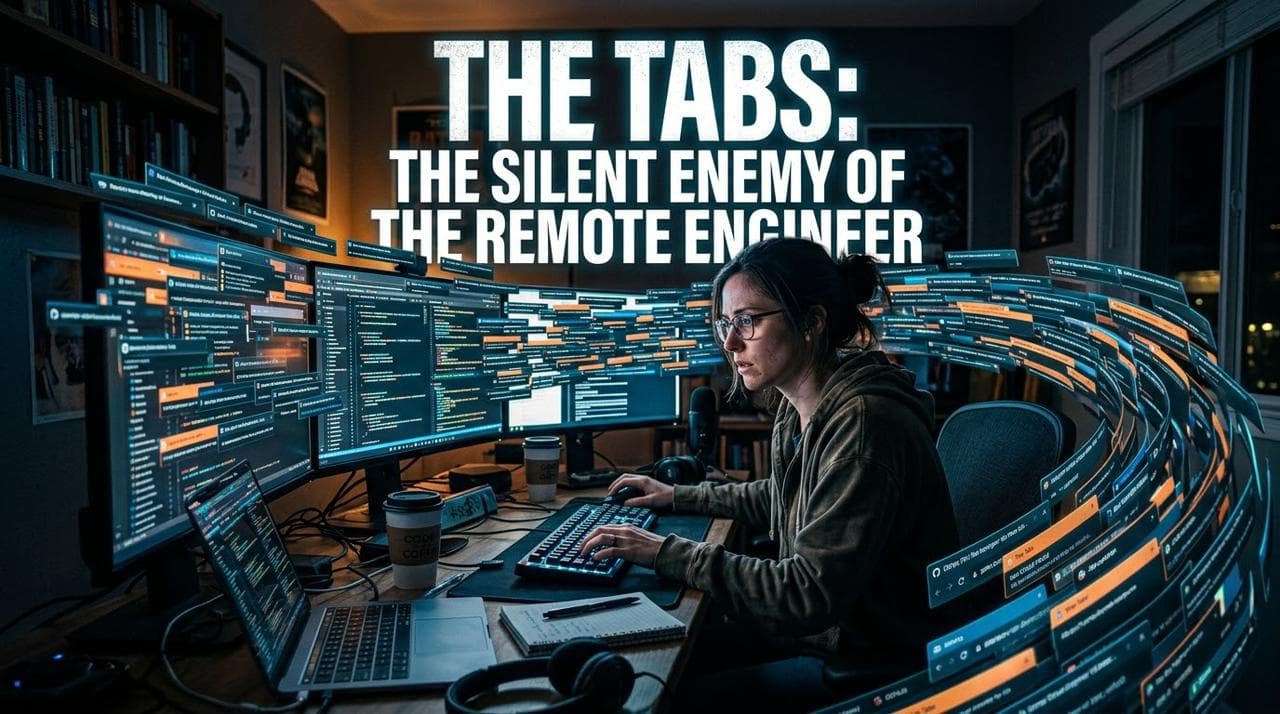
The Tabs: The Silent Enemy of the Remote Engineer
The problem isn't working from home. It's having work, social media, news, and AI agents open on the same screen.
A Typical Day
As a remote software engineer, you can start the morning with your IDE, Slack, GitHub, Jira, and a terminal open. Then YouTube, X, Facebook, or another tab appears the one you promised you'd check "for just a second." Forty minutes later, you're still scrolling and the ticket is exactly where you left it.
The situation becomes especially interesting when you use AI tools such as coding assistants or agents. You start a task, the agent works for a few minutes, and suddenly you have a small pocket of free time. That gap seems perfect for checking a social network, but by the time you finish, the agent is already done and you're still reading a thread about the latest startup that just raised millions.
The result is a day full of activity, but very little sense that you actually built something.
The Remote-Work Trap
Working remotely requires managing attention more deliberately. Nobody has to walk into your room to distract you: a notification, a tab, or the impulse to check what's happening is enough.
The technology ecosystem also makes constant comparison easy. You see someone younger who seems to have built a huge company, a new AI model that makes your stack look outdated, or a project that gained thousands of stars. Feeling behind can push you to consume even more information.
But consuming information is not the same as making progress.
What to Do: Reduce the Surface Area of Distraction
An effective strategy is to temporarily remove the applications that interrupt you the most. This isn't about proving that you have enough willpower; it's about changing the environment. If an app isn't installed on your phone, opening it requires an extra step.
For two or three months, you can remove the social media apps you use most from your phone. If you genuinely need them for work, keep them in the browser on your laptop and establish specific times to use them.
Books That Can Help
Book Useful focus for a remote engineer
- Deep Work : Cal Newport Train yourself to work in deep-focus blocks and protect them from interruptions.
- Digital Minimalism : Cal Newport Clean up your digital tools and bring back only those with a clear purpose.
- Stolen Focus : Johann Hari Understand the environment competing for your attention instead of viewing the problem on.
- Dopamine Nation : Anna Lembke Understand why fast, stimulating content can become a difficult cycle to break.
- Indistractable : Nir Eyal Use practical tactics to reduce distractions and regain control of your time.
Tools and Habits
You can use blockers such as Freedom, one sec, ScreenZen, or Forest. If you prefer not to install anything, your phone's built-in digital-wellbeing features can already establish downtime periods. The tool matters less than the rule: create a barrier between the impulse and the app.
In an engineering environment, it also helps to separate contexts: IDE and terminal for building; browser for research; communication tools for coordination. Avoid turning a single window into a permanent center of stimulation.
What Happens to Attention
The original document highlights Gloria Mark's work on interruptions and attention recovery: repeatedly switching screens has a cost, and returning to deep work can take much longer than the few seconds the interruption lasted.
Multitasking can also be misleading. Listening to a podcast while programming may feel productive, but when the task requires reasoning, you are actually switching between sources of information. Each switch competes for cognitive resources.
For an engineer, this matters especially during debugging, architecture design, code review, and learning a new technology: these activities require mental continuity.
- No phone for the first hour of the day. Start with the work that requires the most thinking, not the feed.
- Keep social media on the laptop, not on the phone.
- Two 15-minute windows a day for social media or news, with a timer.
- Unfollow accounts that make you feel behind rather than informed.
- Open a social network with a specific question—for example, "What changed in Flutter this week?" Get the answer and close it.
- When an AI agent is running a task, have a book, notebook, or short offline task ready that doesn't involve opening a feed.
- At the end of the workday, close the tabs. Start the next day with zero unnecessary tabs.
A Practical Routine for a Remote Workday
1. Review the agenda and choose 1–2 important technical objectives.
2.Deep-work block
3.IDE/terminal + only the documentation you actually need. Notifications off.
4. AI-assisted execution
5.Launch the agent and use the waiting time for an offline or low-distraction task.
6.Communication
7. Check Slack/email during a defined window rather than continuously.
8. Shutdown
9. Save your work, close your tabs, and prepare the first objective for the next day.
Conclusion
The goal isn't to disappear from the internet or stop using modern tools. The goal is to regain the ability to decide when you consume information and when you build. In remote work, protecting your attention is part of engineering your own work environment.
Enjoyed this? Get the next one in your inbox.